

MSP Billing Gaps Explained: Why You're Paying Microsoft More Than You're Billing Clients
Every month, most MSPs pay Microsoft for more licenses than they bill their clients. This isn't fraud. It isn't negligence. It's what happens when fast-moving client environments meet slow-moving billing processes.
A seat gets added during an urgent onboarding. A SKU gets renamed by Microsoft. A cancellation comes in by email instead of a ticket. Each event looks small. Across 30 clients over 12 months, the total is anything but.
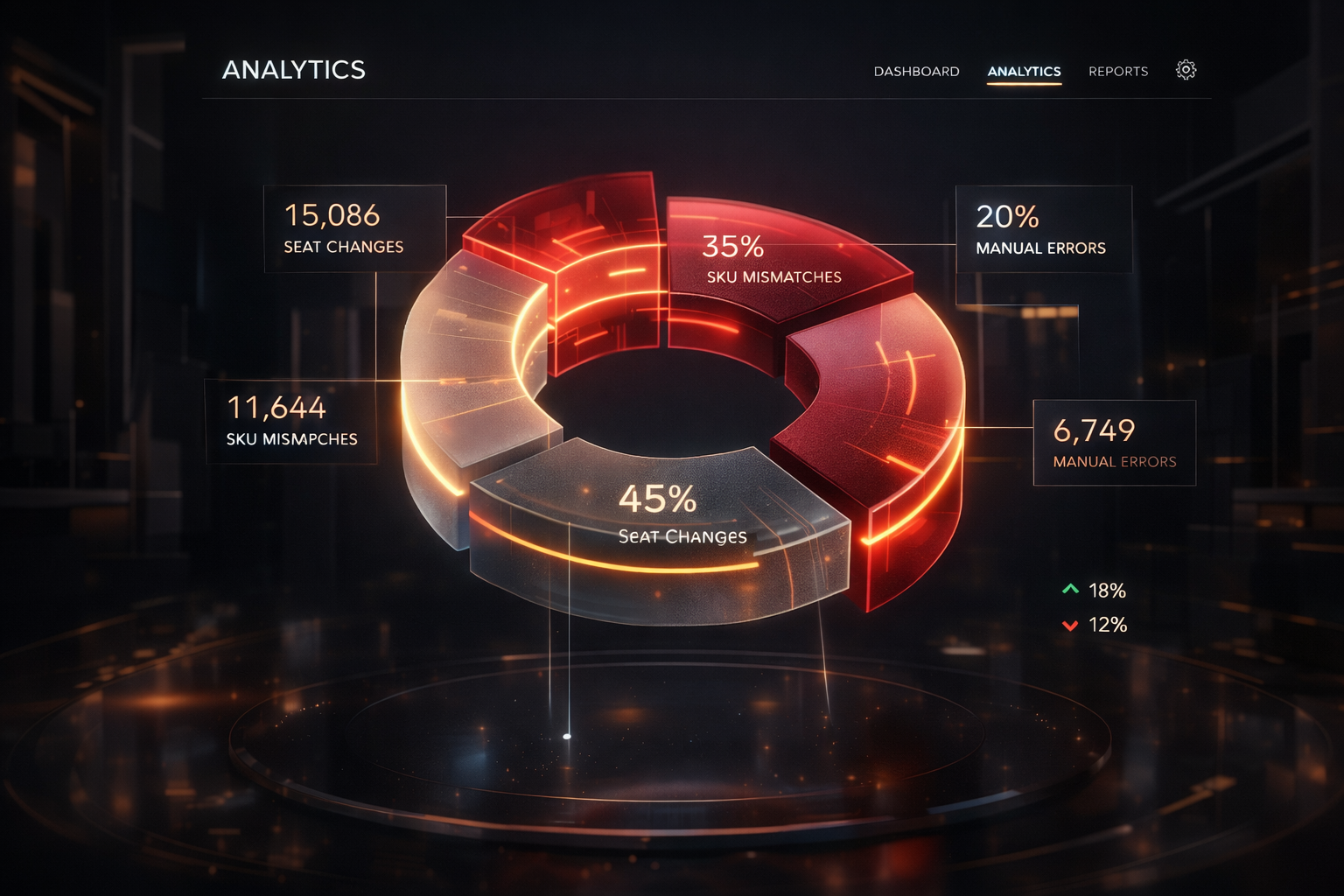
What a Billing Gap Actually Looks Like
A billing gap exists when your vendor invoice shows more seats than your PSA-generated client invoice. You're paying Microsoft for 110 seats but only billing the client for 100.
That 10-seat gap at $22/month margin costs you $220/month. From one client's one SKU, that's $2,640 per year quietly absorbed into your cost of goods.
Scale that across a typical MSP managing 30 to 60 clients with multiple Microsoft 365 SKUs and aggregate leakage usually runs $500 to $5,000 per month. Some MSPs discover more than $8,000 in monthly leakage on their first audit, losses they had been carrying for over a year without realising.
"Most MSPs aren't losing money because of bad clients or bad pricing. They're losing it to gaps between two spreadsheets that nobody is comparing."
The Three Root Causes
1. Seat changes without PSA updates
When a client adds or removes users, the change hits Microsoft immediately. Updating the PSA requires someone to log a ticket, run a sync, or manually edit the agreement line. In daily operations, that step gets missed. The vendor count moves. The billing count doesn't.
2. Microsoft SKU renames
Microsoft renames products regularly. "Office 365 Business Premium" became "Microsoft 365 Business Premium." "Azure Active Directory P1" became "Microsoft Entra ID P1." When the vendor name changes but your PSA still carries the old one, automated matching fails and those seats appear unbilled.
3. Manual spreadsheet reconciliation
Excel VLOOKUP requires exact matches. "M365 Biz Prem" will never match "Microsoft 365 Business Premium." Every fuzzy mismatch passes through undetected, and that's where most leakage hides.
Estimating Your Exposure
A rough starting point: take your total Microsoft 365 seat count across all clients, multiply by your average margin per seat, then apply a 10% leakage rate.
If you manage 2,000 seats at $15 average margin, a 10% leakage rate works out to 200 unbilled seats at $15 each, or $3,000 per month in recovered revenue.
That's an estimate. The free sample audit in Leakage Finder uses representative data so you can see how reconciliation actually works. Running it on your real data shows calculated quantity gaps and an estimated monthly revenue impact.
The Fix: A 20-Minute Monthly Process
You don't need to overhaul operations to stop billing leakage. You need a consistent monthly comparison of two data sources you already have: your vendor billing export and your PSA billing export.
- Export your Microsoft CSP or distributor bill as a CSV at month-end
- Export your PSA billing report for the same period
- Upload both to a reconciliation tool, or build a spreadsheet comparison for very small volumes
- Review flagged rows, update your PSA, and invoice the difference
- Repeat monthly. Each cycle gets faster as you clear historical errors
Frequently Asked Questions
How often should I reconcile billing?
Monthly, aligned with your billing cycle. Quarterly audits let errors compound for 90 days before you catch them. Monthly keeps gaps small and recoverable.
Do I need technical skills to use a reconciliation tool?
No. Leakage Finder runs in the browser. You upload two CSV files and the matching engine handles normalization and comparison automatically. No coding, no formulas.
What if my first audit shows no leakage?
That's a good result. It means your billing processes are already tight. Most MSPs find meaningful leakage on their first run, but if yours doesn't, you have documented proof that your billing is accurate.
See what you're missing. Upload your vendor and PSA exports to Leakage Finder and get your first reconciliation report in minutes, free.