
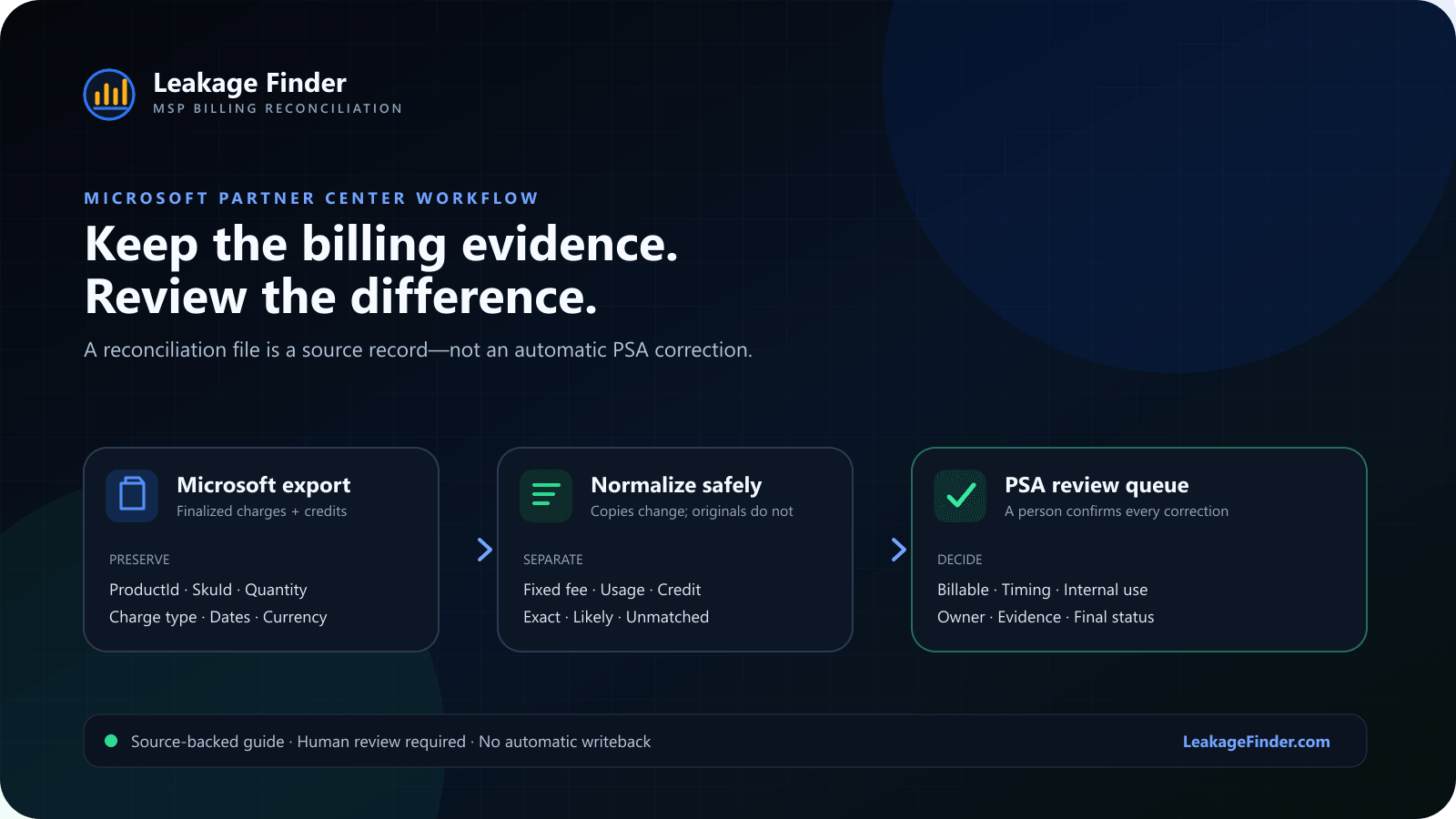
A Microsoft reconciliation file is detailed billing evidence. It is not, by itself, proof that a PSA agreement should be changed. The reliable workflow is to identify the file type, preserve the fields that explain each charge, normalize the customer and product labels, and keep every proposed correction subject to human review.
Run the free Microsoft Partner Center export checker before comparing anything. It inspects the CSV locally for billed status, usage rows, charge adjustments, missing evidence, and false-positive risks. No account is required.
Start with the right Microsoft file
Microsoft separates several kinds of reconciliation data. Legacy license-based files describe costs and quantities for legacy Office and Dynamics products. New commerce invoice reconciliation files contain finalized billing-period charges and credits. Daily rated usage files focus on usage-based services and can require different fields and aggregation rules.
For a recurring license-to-PSA comparison, begin with the invoice reconciliation export for the billing period you are closing. Microsoft explains that billed files contain finalized charges and credits, while unbilled files are estimates for an open period. Mixing those two states can make a legitimate timing difference look like a billing error.
Keep identifiers before cleaning names
Human-readable names are useful for review, but stable identifiers should survive every cleanup step. Preserve the customer identifier, subscription identifier when present, ProductId, SkuId, product name, charge type, quantity, unit price, subtotal, currency, and charge dates. The exact fields vary by export type, so keep the original file untouched and create a working copy for normalization.
Microsoft specifically uses ProductId and SkuId to connect daily usage with invoice reconciliation. Those fields are also valuable when product labels drift between Microsoft, a distributor, and the PSA.
Do not collapse charge types too early
New commerce line items can represent a new purchase, renewal, recurring cycle charge, quantity addition, quantity removal, conversion, cancellation, or customer credit. Positive and negative lines can be part of the same commercial event. If the file is reduced to one quantity per product before charge types and dates are reviewed, credits and prorations can be mistaken for missing billing.
A variance is a review signal. It becomes a billing correction only after the source record, timing, contract terms, and PSA line have been checked.
A practical preparation sequence
- Archive the original export. Keep the downloaded file unchanged with the invoice number, billing period, currency, and download date in your audit record.
- Confirm billed versus unbilled. Use a finalized invoice reconciliation file for month-end billing decisions. Treat open-period estimates as forecasting evidence.
- Separate fixed-fee and usage-based lines. Per-user licenses and daily consumption do not reconcile with the same quantity logic.
- Preserve charge context. Keep charge type, start and end dates, currency, unit price, and subtotal beside the quantity.
- Normalize copies of customer and product names. Remove harmless punctuation and spacing differences without overwriting the original labels or identifiers.
- Aggregate only equivalent records. Group lines only when customer, product or SKU, billing period, currency, and charge context genuinely belong together.
- Compare with the PSA export. Keep exact matches, likely matches, Microsoft-only lines, PSA-only lines, and quantity differences visible as separate review classes.
- Assign a decision. Confirm whether each difference is billable, internal use, timing, proration, cancellation, credit, naming drift, or a real missing recurring line.
Common traps that create false positives
Comparing estimates with a closed PSA period
An unbilled Microsoft export can keep changing while the PSA invoice set is already fixed. Align the period and billing state before judging the variance.
Treating every negative line as a data error
Credits, removals, cancellations, and conversions can create negative line items. Review the related positive and negative events together before calculating a recurring quantity.
Using daily usage quantity as an exact license count
Daily rated usage is designed for consumption workflows. Microsoft notes that some usage scenarios rely on values inside AdditionalInfo, and that daily Quantity can be an estimate. Do not force usage records into a per-seat comparison.
Letting fuzzy matching silently merge records
A likely name match should remain visible with its confidence and source labels. The reviewer should be able to reject it without losing either original row.
What a review-ready output should show
- The original Microsoft and PSA labels beside their normalized forms.
- The identifiers used to support the match.
- Vendor and PSA quantities, the calculated delta, and any optional price estimate.
- Charge type and billing-period context when they affect interpretation.
- Exact, likely, unmatched, and PSA-only records as distinct states.
- An owner, review note, and final status for every confirmed exception.
Official Microsoft references
- Use your reconciliation files — file types, downloads, fields, and reconciliation examples.
- Understand your bill and reconciliation file — billed versus unbilled files and product coverage.
- Partner Center reconciliation charge types — renewals, quantity changes, conversions, cancellations, and credits.
Product disclosure: Leakage Finder is the self-serve CSV comparison product published by the team that wrote this guide. It does not connect to Partner Center, change PSA records, or decide that a variance is billable. It compares uploaded exports and keeps the result reviewable.