

Why Exact Match Fails in MSP Billing (and What Fuzzy Matching Actually Fixes)
If your billing reconciliation still runs on VLOOKUP and exact-match formulas, you are almost certainly missing mismatches. Not a few. A lot.
The moment a client name or product description differs by a single word, abbreviation, or stray parenthesis, exact matching fails silently. That license vanishes from your reconciliation. It never shows up as unbilled. Nobody flags it. And the revenue just leaks.
Fuzzy matching is the fix. Here is how it works, where it breaks, and what it looks like inside a real MSP billing workflow.
What Fuzzy Matching Actually Does
Exact matching asks one question: are these two strings identical? If the answer is no, it moves on. There is no middle ground.
Fuzzy matching (sometimes called approximate string matching) asks a different question: how similar are these two strings? Instead of a binary yes or no, it returns a score between 0 and 1.
1.0 means the strings are identical.
0.85 means they are very close.
0.5 means they share some overlap but probably are not the same thing.
You set a threshold, usually somewhere between 0.65 and 0.75 for MSP billing data, and treat anything above that threshold as a match candidate.
The most common algorithms behind fuzzy matching include Levenshtein distance, which counts the number of character edits needed to turn one string into another; Jaro-Winkler, which weights character transpositions and prefix similarity; and token-based similarity, which compares word tokens instead of individual characters.
None of this requires AI or machine learning. These are deterministic algorithms. They do not learn or adapt over time. They apply a mathematical similarity measure to a pair of strings and return a number.
Why MSPs Cannot Rely on Exact Match
MSP billing data comes from at least two sources with completely independent naming conventions: your vendor portal (Microsoft Partner Center, Pax8, Ingram Micro) and your PSA (ConnectWise, Autotask, Kaseya BMS). Neither system was designed to match the other. Nobody coordinated the naming. And the result is predictable.
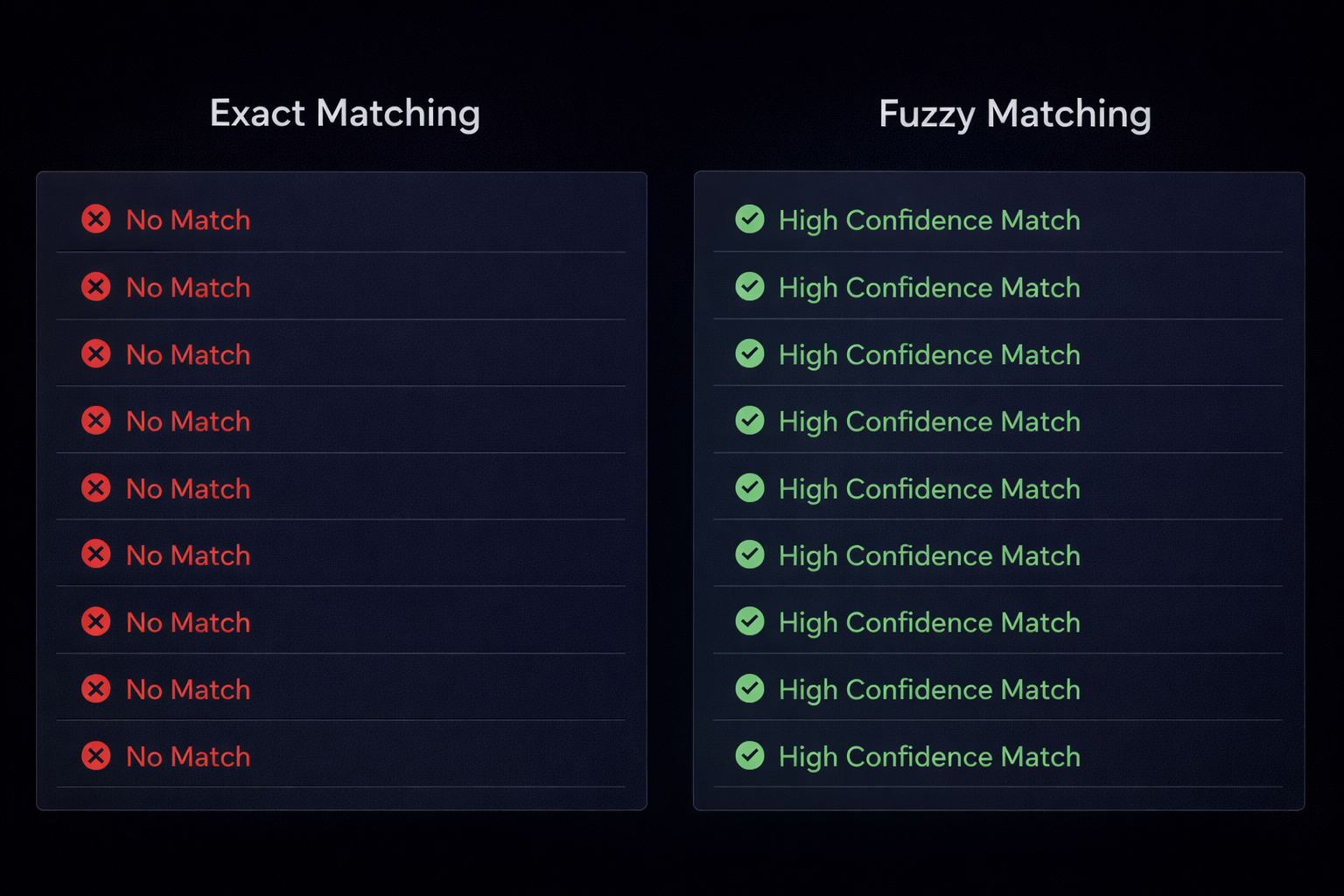
Consider three examples that show up in almost every MSP reconciliation:
"Acme Corporation" vs "Acme Corp." Exact match fails. Fuzzy match scores roughly 0.88. Correct match.
"Microsoft 365 Business Premium" vs "M365 Biz Prem" Exact match fails. Fuzzy match scores roughly 0.71. Correct match, but worth a human review.
"Exchange Online Plan 1" vs "Exchange Online (Plan 1)" Exact match fails because of the parentheses. Fuzzy match scores roughly 0.92. Correct match.
Without fuzzy matching, every one of these becomes a false "unmatched" row. It looks like unbilled leakage when the client is actually being billed correctly. Your team either wastes hours chasing false positives or, worse, adjusts billing based on bad data.
How to Set the Right Threshold
The core tuning challenge with fuzzy matching is the threshold. Set it too high and you miss real matches. Set it too low and you create false matches. Both cost you money.
Too strict (above 0.85)
Misses real matches where names have moderate variation. Your "unmatched" list fills up with rows that actually do match, and your team spends time reviewing entries that should have been resolved automatically.
Too loose (below 0.5)
Creates false matches. Billing rows for different clients or different products get paired incorrectly. You end up with matched data that is wrong, which is harder to catch than data that is obviously unmatched.
The practical range for MSP billing
For client names, a threshold between 0.65 and 0.75 works well in most MSP environments. Product names are trickier because vendors use so many abbreviations and version numbers. The best approach for products is to use an alias map as a first pass, resolving known abbreviations and shorthand, then fall back to fuzzy matching for anything the alias map does not cover.
Why Confidence Scores Matter More Than Match or No Match
A simple matched/unmatched binary is not enough for billing reconciliation. You need to know how confident the match is so you can decide what to review and what to trust.
Purpose-built reconciliation tools surface a confidence score alongside every fuzzy match. That score drives a practical workflow:
High confidence (0.8 and above): Accept automatically. The name variation is trivial. "Corp." versus "Corporation," a missing comma, an extra space. No human review needed.
Medium confidence (0.65 to 0.8): Flag for review. The match is probably correct, but the variation is large enough that a person should confirm before acting on any quantity difference.
Low confidence (below 0.65): Treat as unmatched. The strings are too different to trust. These rows stay in the unbilled queue until someone confirms the correct pairing.
This tiered approach means your team only reviews the rows that actually need human judgment. Everything else either resolves automatically or gets flagged clearly.
Common Questions About Fuzzy Matching in MSP Billing
Is fuzzy matching the same as AI?
No. Fuzzy matching is algorithmic. It applies a mathematical formula to two strings and returns a similarity score. It does not learn from past matches, does not require training data, and does not change its behavior over time. AI and machine learning approaches can layer on top of fuzzy matching to improve predictions, but the core technique is straightforward math.
Can fuzzy matching make mistakes?
Yes, and that is exactly why confidence scores exist. A match between "Wayne Industries" and "Wayne Enterprises" might score 0.72. That looks like a strong match, but they could be two completely different clients. Lower-confidence matches should always go through manual review before anyone adjusts billing.
Can I build fuzzy matching into my own spreadsheets?
You can. Libraries like Fuse.js for JavaScript or fuzzywuzzy for Python provide solid fuzzy matching primitives. But the engineering effort adds up quickly. You need string normalization, alias maps, dual-pass matching logic, a scoring display, and a review workflow. Purpose-built reconciliation tools handle all of that out of the box.
Stop chasing false positives.
Leakage Finder uses fuzzy matching with confidence scoring to reconcile your vendor billing against your PSA automatically. See every mismatch, know which ones matter, and stop losing revenue to name variations your spreadsheet cannot catch.
See the synthetic sample audit, then run three free reconciliations on your own exports at leakagefinder.com. No call or credit card is required.